Glyphly
Turn the text on your screen into language learning.
A local-first desktop app for CJK learners — Chinese, Japanese, and Korean. Capture text from your screen, read it with on-device OCR, look up words, save vocabulary, and review — all locally on your own PC. Optional sentence translation is available only when you turn it on.
Available today: Windows, Mandarin Chinese. Japanese, Korean, and macOS are in development.
Free to use with up to 150 saved words. No account required.
See the latest release and what's new →
How it works
Select what you're reading
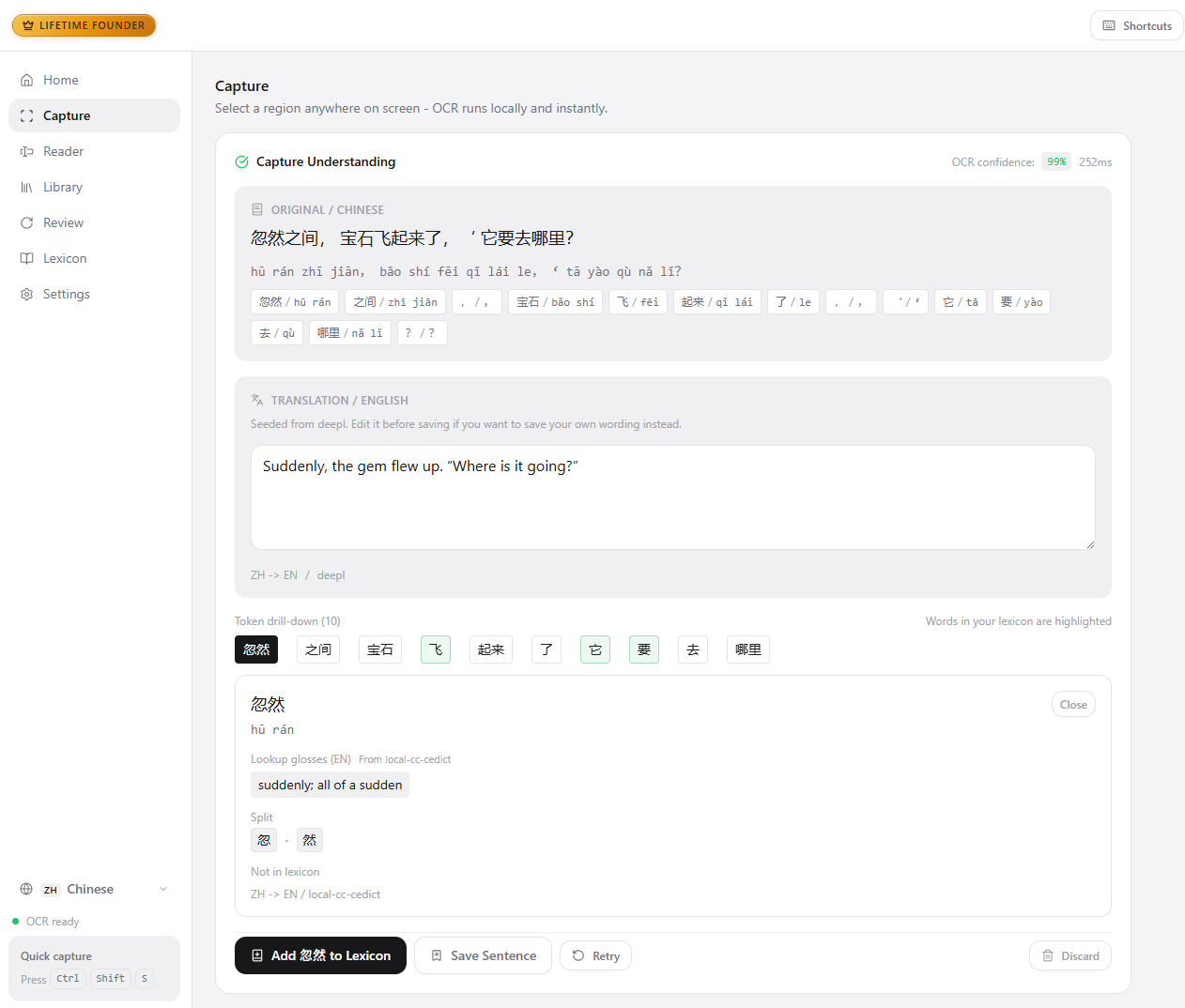
Drag a region or press a global hotkey to grab text from study PDFs, reading apps, websites, or your own materials.
Read it, word by word
On-device OCR recognises the characters and splits the line into words, with definitions and pronunciation for each one.
Build a personal lexicon
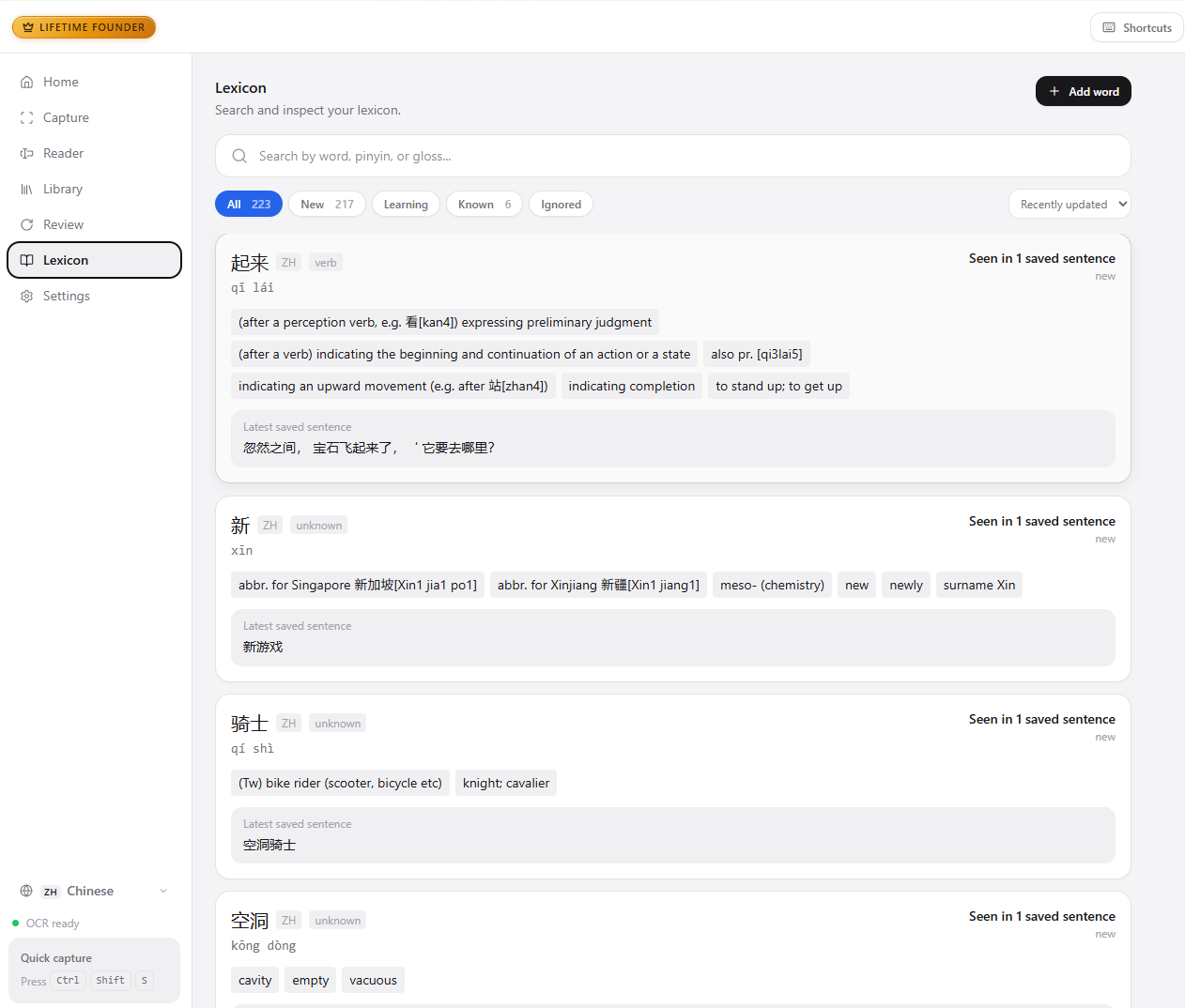
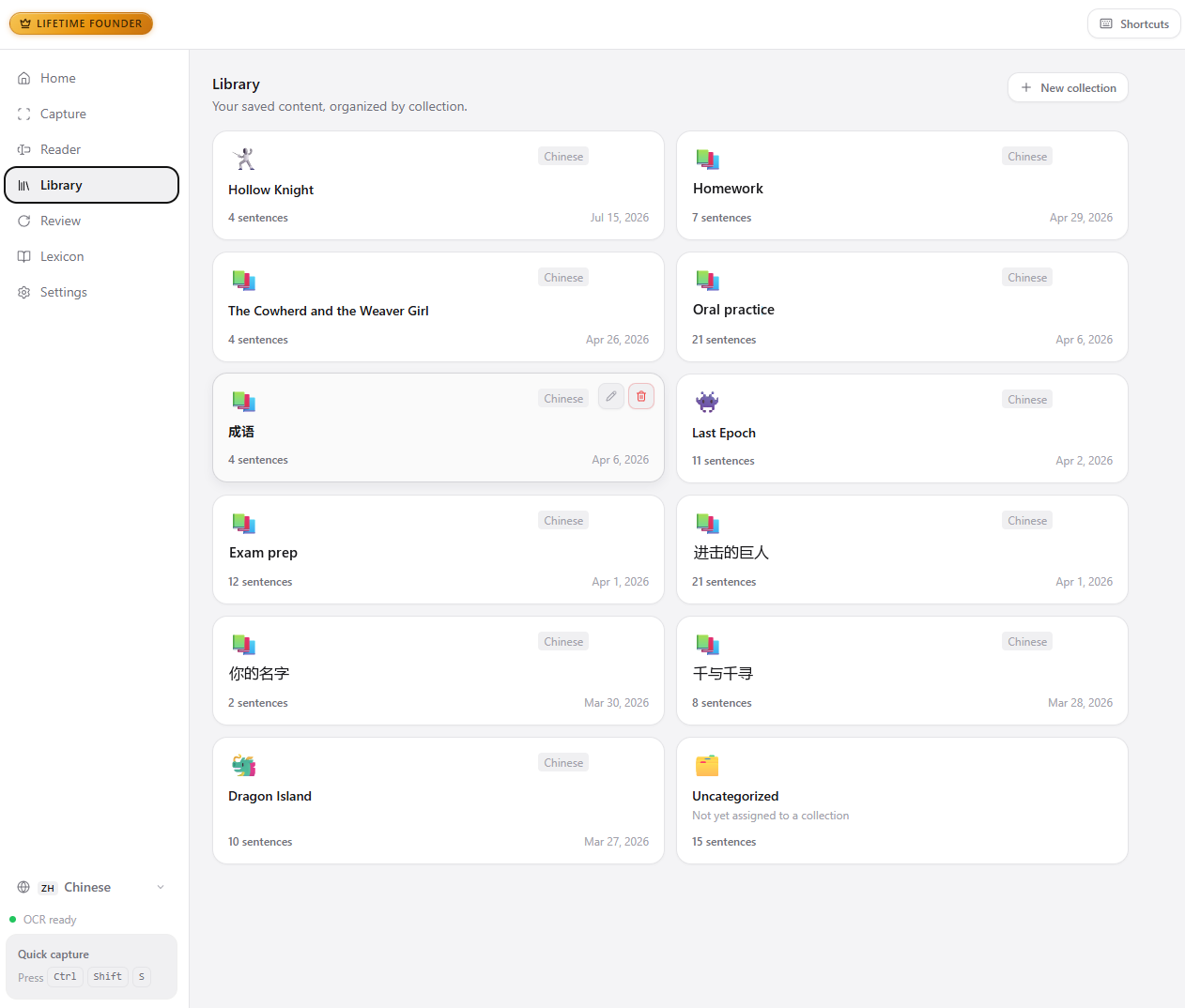
Keep the words that matter to you, together with the sentence you first met them in. Your lexicon, on your machine.
Make it stick
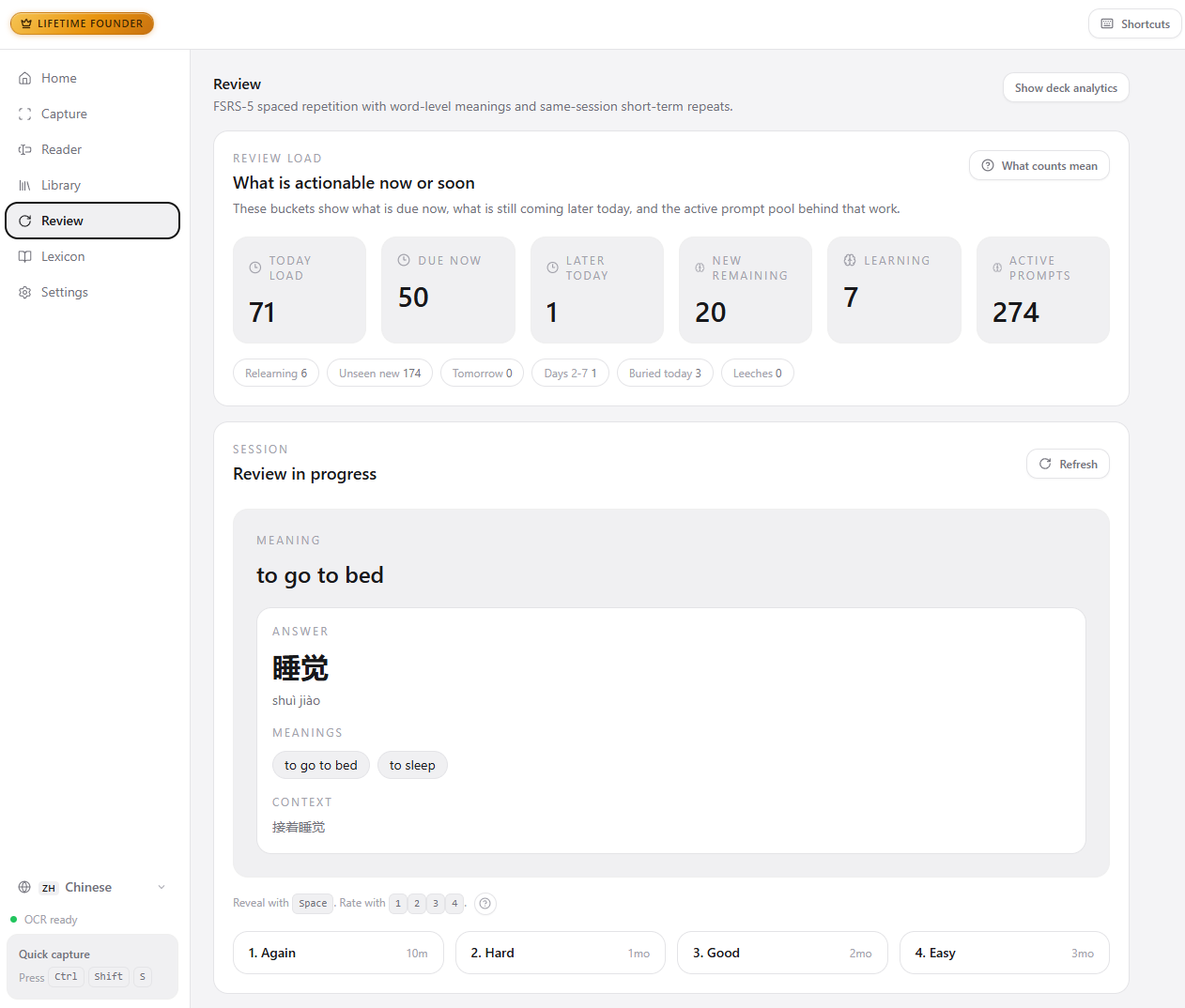
Spaced-repetition review with FSRS scheduling brings each word back right before you'd forget it.
A look inside
Privacy-first by design
- OCR, word segmentation, and dictionary lookup run on your device.
- Screenshots and recognised text are never uploaded for OCR or lookup.
- Saved words and review history stay in a local database — no account, no cloud sync.
- Sentence translation is the one feature that sends text out, and only when you enable it.
- After setup, capture, lookup, and review work with no internet connection.
Glyphly Pro Not on sale yet
The core loop is free
Capture, OCR, lookup, saving, and spaced-repetition review are all free, with a cap of 150 saved words. Words you've already saved are never locked, and your review history stays yours.
Pro removes the cap
- Unlimited saved words
- Clipboard watch
- Collection quiz
File import In development
Included with Pro when it ships.
What Pro will cost once the store opens. It cannot be bought today.
One-time payment. Limited early-supporter offer.
Best value if you're subscribing.
Cancel any time.
Platforms & languages
| Platform — available now | Windows 10 and Windows 11 (64-bit) |
|---|---|
| Platform — in development | macOS |
| Learning language — available now | Mandarin Chinese |
| Learning language — in development | Japanese, Korean |
| Explanation language | English, French, German, Spanish, or Portuguese |
System requirements
| Operating system | Windows 10 or Windows 11 (64-bit) |
|---|---|
| Disk space | At least 1 GB for the app and its language engine |
| First run | Downloads the language engine once (about 300 MB). After that the core loop works offline. |
| Internet | Needed for setup, updates, and license activation only |
| Updates | Glyphly checks for new versions and can install them for you |
Support
Have a question first? The FAQ covers setup, the Windows security prompt, privacy, and how Pro works.
Found a bug, or something not working the way this page describes? Open an entry on the issue tracker and it will be looked at.
For billing, license, and refund questions, see the Refund Policy.
Would rather not use GitHub, or have something that shouldn't be public? Email support@getglyphly.com. Order numbers and license keys belong there, not in a public issue.